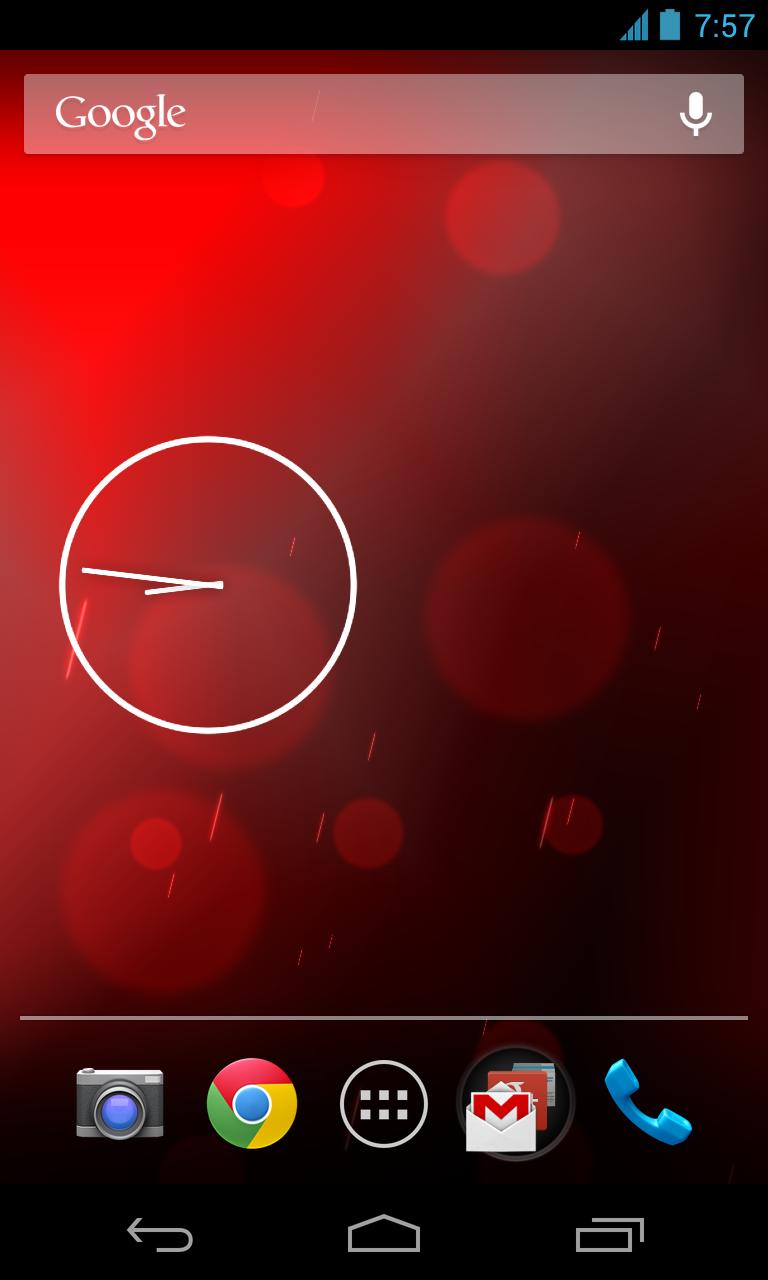
Customize your wallpaper with Phase Beam Live Wallpaper.
A live wallpaper based on the stock Android Phase Beam wallpaper. In addition to the original this live wallpaper allows you to change the colors.
Features:
- Customize the wallpaper color
- Customize the color intensity
- No Ads
In order to activate the wallpaper
1. Go to Android Settings -> Display -> Wallpaper -> Live Wallpaper
2. Select Color Beam
3. Now you see a preview how the wallpaper will look like
4. Either select "Set wallpaper" to use the wallpaper or "Settings..." to change the color
Read more












![[SAOfone]Calculator](https://images.downtw.com/uploads/20260122/logo_6971a0438dd471.jpg)